
In short
A digital personnel file is fine as long as integrity, access control and logging are in place. There is no single retention period: HMRC wants payroll records for at least three years, and UK GDPR’s storage-limitation principle is what stops you keeping data indefinitely.
What belongs in a personnel file – and what doesn’t
A personnel file holds records relevant to the employment relationship: contract, references, payroll records, warnings. It should not hold unrelated data – for example health or belief data, unless it is genuinely needed.
Keep health information apart
Health data is special category data under UK GDPR. The ICO advises keeping sickness records that name an illness separate from simple absence records, with tighter access. A line manager usually only needs to know that someone was off and for how long – where an absence record will do, use it.
Paper or digital?
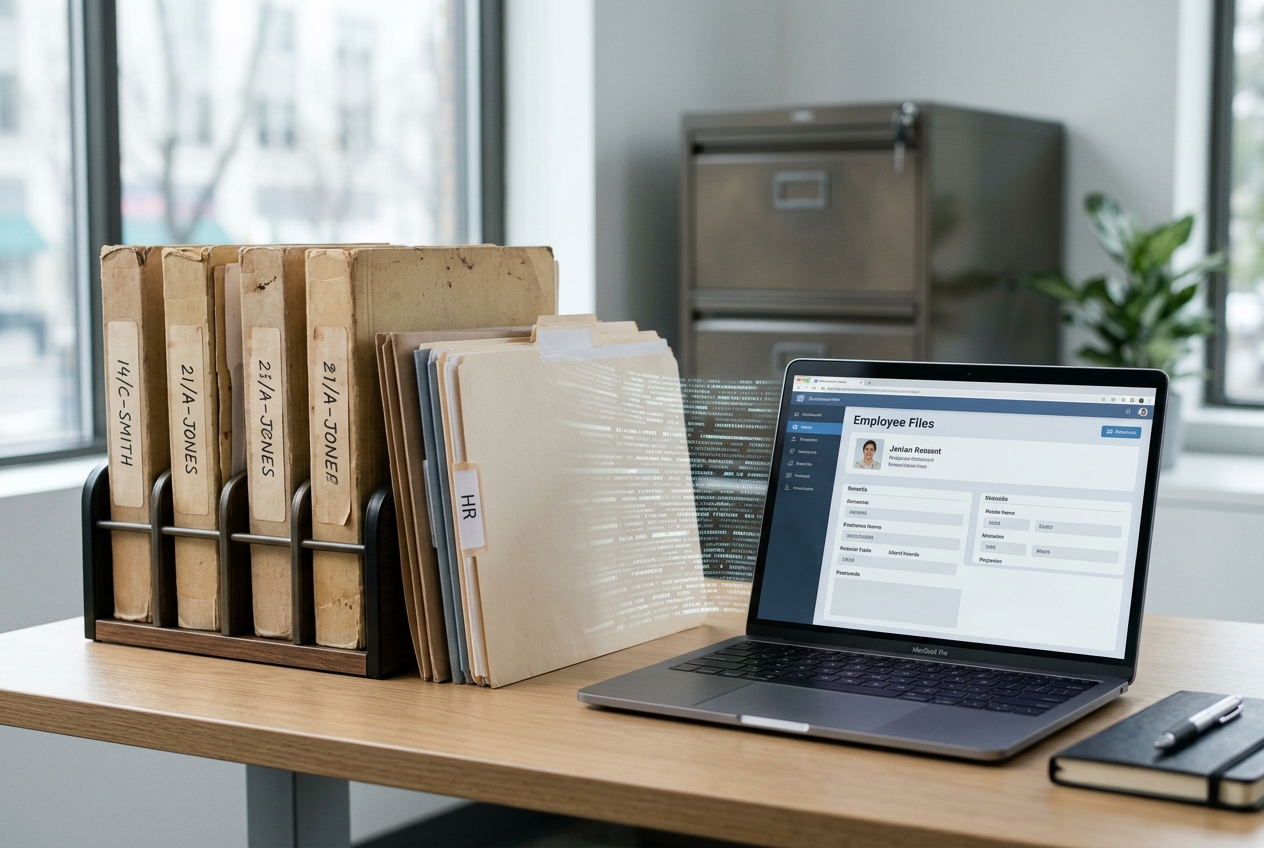
A digital personnel file is lawful and, in practice, the norm. The requirements: document integrity must be preserved, access restricted to those who need it, and changes logged. A tamper-evident filing approach is essential.
Day-one paperwork
Employees and workers must get the principal written statement of particulars on their first day (Employment Rights Act 1996, section 1). File it with the signed contract and every later change, so the current terms are always one click away.
Retention at a glance
Retention & data protection (UK)
- Payroll records: HMRC requires at least 3 years from the end of the tax year (many keep 6).
- Right-to-work evidence: the whole of employment plus 2 years.
- Working time records: 2 years (Working Time Regulations 1998, reg. 9); minimum wage records: 6 years.
- Data protection: UK GDPR and the DPA 2018; the storage-limitation principle means no fixed period – document your own.
- Access: staff can make a subject access request (DSAR) under Article 15.
Access, DSARs and a deletion plan
Three things keep the file compliant: a tight permissions model (only those who need the data can see it), the ability to answer a DSAR, and a documented retention and deletion plan that tracks the periods automatically.
Example: a café group with 25 staff across three sites sets three roles. The owner sees everything, site managers see contracts and training records for their own site, and the payroll bureau sees payroll records only.
DSARs: one month to respond
You must respond within one month. For complex or multiple requests you can extend by up to two further months, but you must say so within the first month and explain why. In most cases you cannot charge a fee.
When someone leaves
Each record type runs its own clock. Example: a leaver’s last payday falls in the 2026/27 tax year, so payroll records stay until at least April 2030 and right-to-work evidence for two years after they leave. Anything without a reason to keep it goes.
The employee’s right to access
Employees can request access to the personal data held in the file. A digital file makes that straightforward – with controlled, logged access.
Moving from paper: step by step
- 1Review the paper files and weed out what should already be gone.
- 2Agree a folder structure: contract, pay, hours, training, absence.
- 3Scan to a fixed, written routine so every copy is complete and legible.
- 4Set roles and retention periods before the first file goes live.
Going-digital checklist
- Permissions: who can see and change what?
- Retention periods set per record type?
- A deletion plan that tracks periods automatically?
- Can you answer a DSAR from the system?
- Sickness records kept apart from absence records?