
In short
- A good rota starts with demand, not with names.
- Daily rest and the 48-hour week under the Working Time Regulations are not optional – build them in from the start.
- Publish early, in one place your whole team can reach on their phones.
What a good rota has to do
A rota is more than a table of names. It has to do four things at once: meet real demand, share work fairly between your people, keep labour costs under control and comply with the law. Focus on only one of these and you pay for it elsewhere – in overtime, in frustration, or in a breach of the Working Time Regulations.
The good news: a clear process turns the weekly scramble into a routine. The five steps below take you from working out demand to publishing the finished plan.
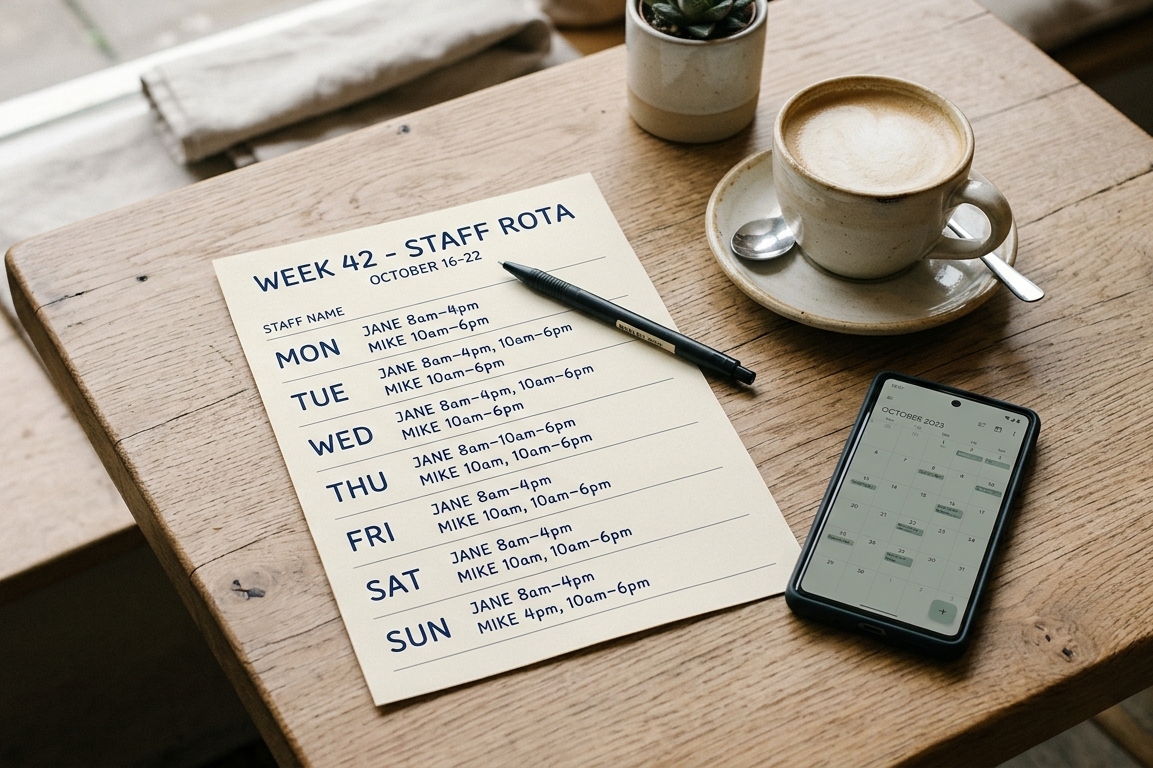
Five steps to a finished rota
1. Work out demand
Before you fill a single shift, answer this: how many people, with which skills, do you need and when? In hospitality that follows footfall; in care it follows occupancy and dependency; in retail it follows opening hours and deliveries. Write the demand down per day and time slot – it is the frame everything else hangs on.
An example: a café-bistro with 18 staff serves breakfast and lunch on weekdays and stays open late at weekends. Its demand frame might read: two baristas and one cook from 7am, four front-of-house staff for the lunch peak, and an extra pair on weekend evenings. Only once that frame is on paper is it worth thinking about who goes where.
Build in a buffer for holiday, sickness and training as well – sized from your own absence records over recent months, not from instinct.
2. Capture availability and skills
Gather preferences, absences and qualifications in one place. Who is on holiday, who cannot do nights, who holds the required qualification? The more complete this is, the less you have to re-plan later.
3. Choose a shift model and build the shifts
Before you allocate names, choose a shift model. It sets when shifts start, finish and rotate – and therefore how easy it will be to respect rest periods later on.
- Two-shift pattern (earlies/lates): common in retail and day services – simple and predictable.
- Three-shift pattern (earlies/lates/nights): standard in residential care and anywhere that runs round the clock.
- Split shifts: widespread in hospitality, such as a lunch and an evening service with a gap in between – convenient for the rota, wearing for staff once they become the norm.
- Fixed or rotating shifts: fixed shifts give people predictability; rotation shares the unpopular hours more fairly.
If you rotate, rotate forwards: earlies, then lates, then nights. An early finishing at 2pm followed by a late starting at 2pm the next day leaves 24 hours’ rest; going backwards – a late to 10pm, then an early from 6am – leaves only eight.
Now lay demand over availability. Start with the hardest shifts to fill – weekends, nights, bank holidays – and the people with rare qualifications. Cover the must-fill slots first, the flexible staff after. That stops the critical early shift being the one left empty at the end.
4. Check rest and the weekly limit
This step is not optional. Every rota has to stay within the Working Time Regulations – for each person, across the whole week.
The law: Working Time Regulations 1998
- Daily rest: at least 11 consecutive hours between shifts.
- Weekly rest: 24 hours in each 7-day period (or 48 hours every 14 days).
- Rest breaks: a 20-minute break when a shift is longer than 6 hours.
- Weekly limit: 48 hours a week on average (over 17 weeks), unless the worker has signed an individual opt-out.
A rota that breaks the 11-hour rest rule – a late finishing at 10pm, an early starting at 6am – is unfair and non-compliant. Good software checks this automatically; by hand it is the single most common mistake. Note that, unlike Germany, there is no works-council co-determination, and staff can opt out of the 48-hour week in writing.
A worked example from hospitality: a server closes up at 11.30pm on Friday and is pencilled in to set up Saturday brunch at 9am. That is nine and a half hours’ rest – short of the 11 hours the Regulations normally require. Either the Saturday shift starts later, or someone else covers brunch.
Special cases worth knowing
- Night workers: someone who regularly works at least 3 hours between 11pm and 6am (or another agreed night period) must not average more than 8 hours in 24, usually over 17 weeks – and cannot opt out of that limit. You must also offer a free health assessment before they start nights, and regularly after that.
- Shift changeovers: where a shift worker cannot take daily or weekly rest between ending one shift and starting the next, compensatory rest of the same length may apply instead. It moves the rest; it does not remove it.
- Opt-outs: a worker who has signed one can cancel it with at least 7 days’ notice (up to 3 months if the agreement says so), and nobody may be dismissed or treated unfairly for refusing to sign.
- Young workers (over school-leaving age, under 18): 12 hours’ daily rest, 48 hours’ weekly rest and a 30-minute break once they work more than 4.5 hours.
5. Publish and adjust
A finished rota is no use sitting in your head or in a spreadsheet on your laptop. Publish it early, in one place the team can reach on their phones. Make changes visible – when someone swaps a shift, they should see it without calling you.
A fixed rhythm helps everyone: if the rota always appears, say, two weeks ahead, staff can arrange childcare and appointments with confidence. Check your contracts and staff handbook too: if they promise a minimum notice period for rotas, that promise binds you.
What to do when someone drops out at short notice
- 1Check whether the shift really needs full cover.
- 2Approach staff whose rest and weekly hours genuinely allow the extra shift – not just the ones who always say yes.
- 3Work from an agreed cover list rather than a chain of phone calls.
- 4Update the published rota straight away.

The most common mistakes – and how to avoid them
- Planning “in your head”: it works until someone calls in sick. With no written rota there is no audit trail.
- Last-minute changes with no communication: the team finds out about the new shift when they turn up – the fastest route to resentment.
- No rest check: the classic that turns into a breach.
- No mobile access: anyone who cannot see their rota on their phone will call you – and you are the help desk again.
- Backward-rotating shifts: a late followed by an early eats into rest.
Frequently asked questions about rotas
How do I share out weekends and bank holidays fairly?
Keep a running count per person of weekend, night and bank-holiday shifts over the quarter, and give the next ones to whoever has the lowest number. A fixed cycle – every other weekend off, for instance – is often easier to accept than case-by-case decisions.
How do I plan part-time and variable-hours staff?
Plan against each person’s contracted hours, not against “as many as possible”. For zero-hours or variable-hours staff, keep a note of the hours offered and worked – it makes conversations about fairness far easier. Ask whether people work elsewhere, too. The rest rules apply whatever the contract type.
Template or software – when is it worth switching?
For a small team on fixed shifts, a good template is enough. But as soon as preferences, skills, absences and last-minute drop-outs pile up, a spreadsheet becomes a source of errors. Scheduling software checks rest automatically, shows conflicts instantly and gives the team mobile access. Rule of thumb: if you spend more than an hour a week re-planning, software earns that time back quickly.
Tip
Start small. You do not need every feature at once – a well-kept digital rota with automatic rest checks already gets you most of the way.
Checklist: your rota at a glance
- Demand per day and time slot is set
- Availability, holidays and skills are captured
- Must-fill slots and rare skills are scheduled first
- Rest (11 h) and the weekly limit are checked
- The rota is published and visible to everyone on mobile
- There is a clear route for swaps and change requests